The quick answer.
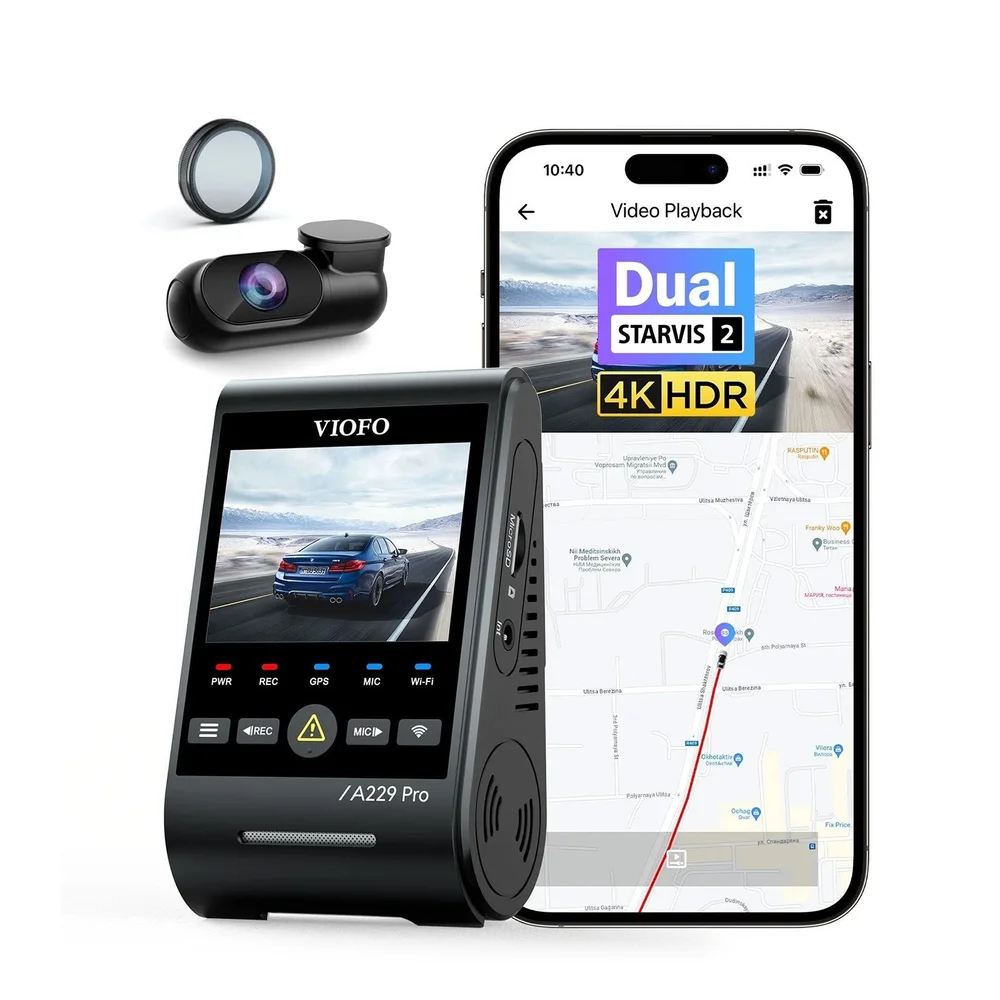
A dash cam records video from its fitted camera view and stores it using the supported recording system, commonly a microSD card. Loop recording replaces older unsaved footage as space is needed. Saving a clip protects it within the camera’s system; exporting an important recording gives you a separate copy.
The camera, power and storage form one system
Think of a dash cam as a small recording setup rather than a camera that independently preserves every journey forever. The lens needs a useful view, the unit needs suitable power and the recording system needs supported storage. Front-only, front-and-rear and cabin-camera kits capture different views. A camera facing forward cannot tell you everything happening beside or behind the car. Start with the views you need, then understand how that exact device stores them.
Loop recording keeps the system usable
A memory card has finite capacity. Garmin’s Dash Cam Live manual describes replacing the oldest unsaved video when space is needed. Other cameras have their own file-management settings, so read the documentation rather than assuming the entire card always behaves identically. The practical consequence is simple: ordinary footage may not still be there after many more hours of recording. If something matters, learn how to preserve it promptly instead of relying on a large card as permanent storage.
Saved on the camera is different from backed up
An incident-detection feature or manual save action may mark a recording for protection from normal overwriting. Check the period that is preserved and how the camera organises it. That protection is not a separate physical backup if the card is lost, damaged or formatted. We recommend exporting an important clip to a suitable separate location and checking that the copy plays. Do this while safely parked, using the device’s own process, not while operating the vehicle.
Playback is worth learning before the first incident
A phone app, computer reader or built-in screen may be part of reviewing the footage, depending on the model. Confirm how your exact camera connects, what it lets you export and whether a feature needs an account or optional service. Local recording, remote access and cloud storage are not interchangeable claims. Practising with an unimportant sample clip exposes a missing cable or confusing app step without the pressure of trying to recover a specific event.
Driving recording is separate from parking recording
Do not assume a camera continues to record simply because it remains attached to the windscreen. When the vehicle is switched off, the power arrangement may change. A supported parking setup can record according to its selected mode, but it has different power and settings requirements. Similarly, connecting a camera to power does not establish that both channels are saving playable files. Verify the actual recorded result after installation and periodically during ownership.
The useful routine is short and repeatable
Check the view, date and time, storage status and a sample from each fitted camera. Keep the lens and windscreen area clear according to the care instructions. Back up material you need before maintenance that deletes files. A modest camera you understand and maintain can be more useful than a complicated setup whose recordings you have never opened. When choosing equipment, give the retrieval process as much attention as the maximum resolution.
Keep building your know-how.
Your questions, answered.
Does a dash cam keep every video forever?
No. Loop recording can replace older unsaved footage. Capacity and settings determine the available history.
Does saving a clip create a separate backup?
Not necessarily. It may protect a file on the same card. Export and verify a separate copy when the footage matters.
Does every dash cam upload video to the cloud?
No. Local recording, phone connectivity, remote viewing and cloud storage are separate capabilities. Check the exact model and service requirements.
Sources & further reading.
Source information checked October 21, 2026. Product examples are identified by model; the recommendations and practical comparisons are CarRundown’s editorial analysis.