The quick answer.
Check an aftermarket stereo against the exact vehicle, dashboard opening, available depth, screen position and wiring. Confirm the fascia, harness, antenna, amplifier, steering controls and camera connections with a vehicle-specific fit guide or qualified installer before ordering.
The steps at a glance.
Identify the vehicle
Record its year, make, model and trim, and confirm the existing receiver format.
Check physical fit
Verify opening, depth, fascia needs and clearance for controls, vents and the driver’s view.
List factory features
Note the amplifier, steering controls, camera, antenna and any CAN-bus functions to retain.
Confirm the complete install
Get the required interfaces, parts and labour confirmed by a qualified installer before ordering.
Start with the exact vehicle and dashboard
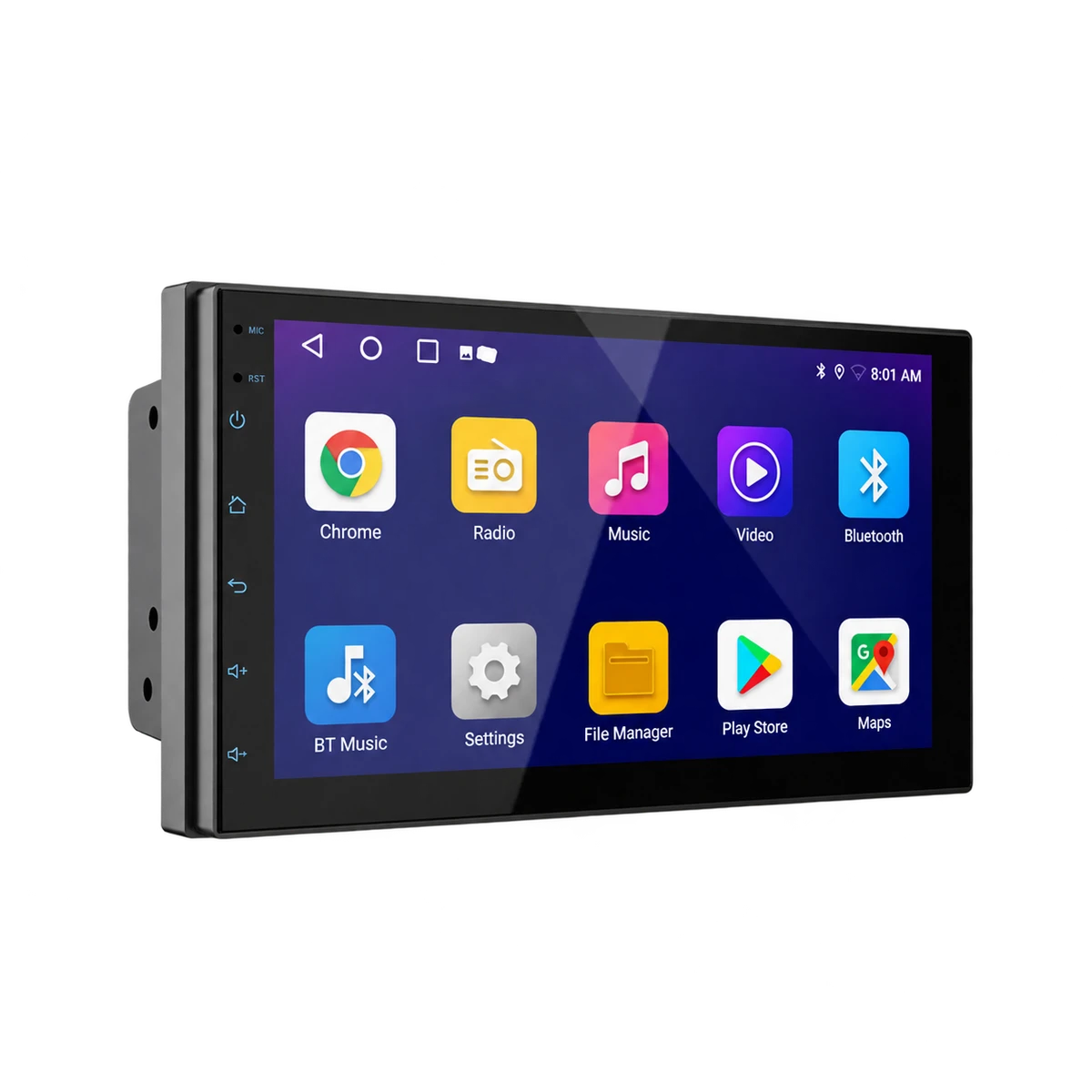
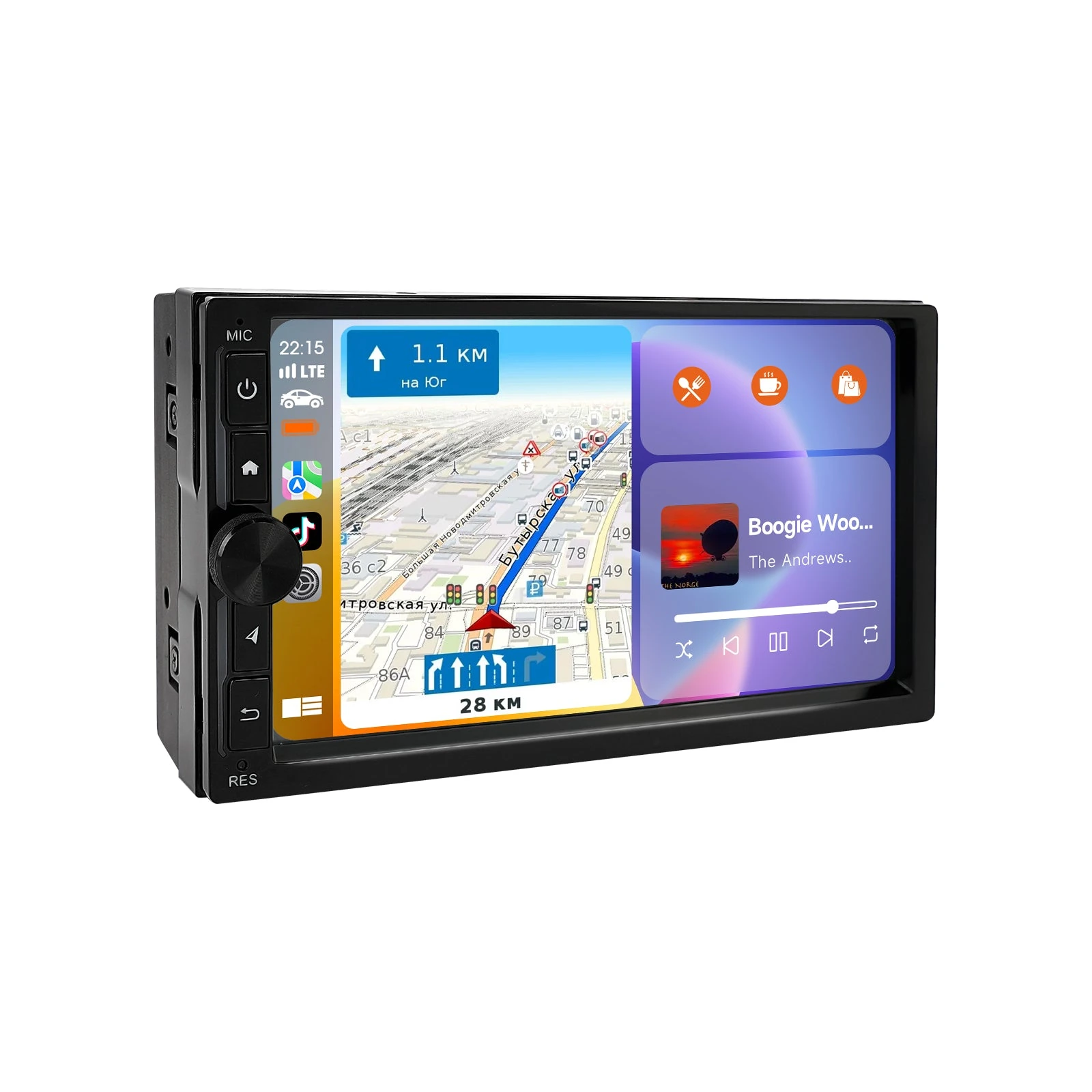
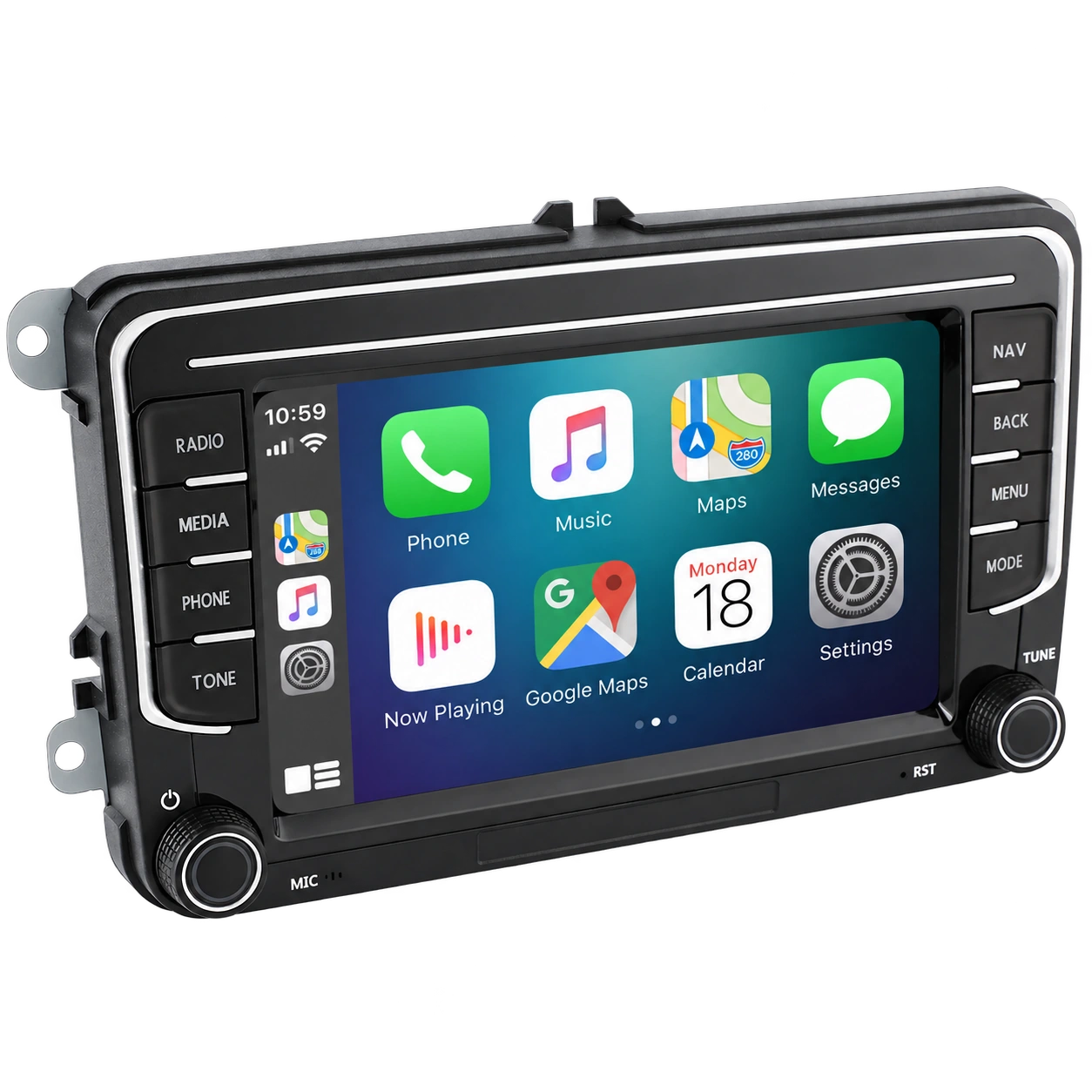
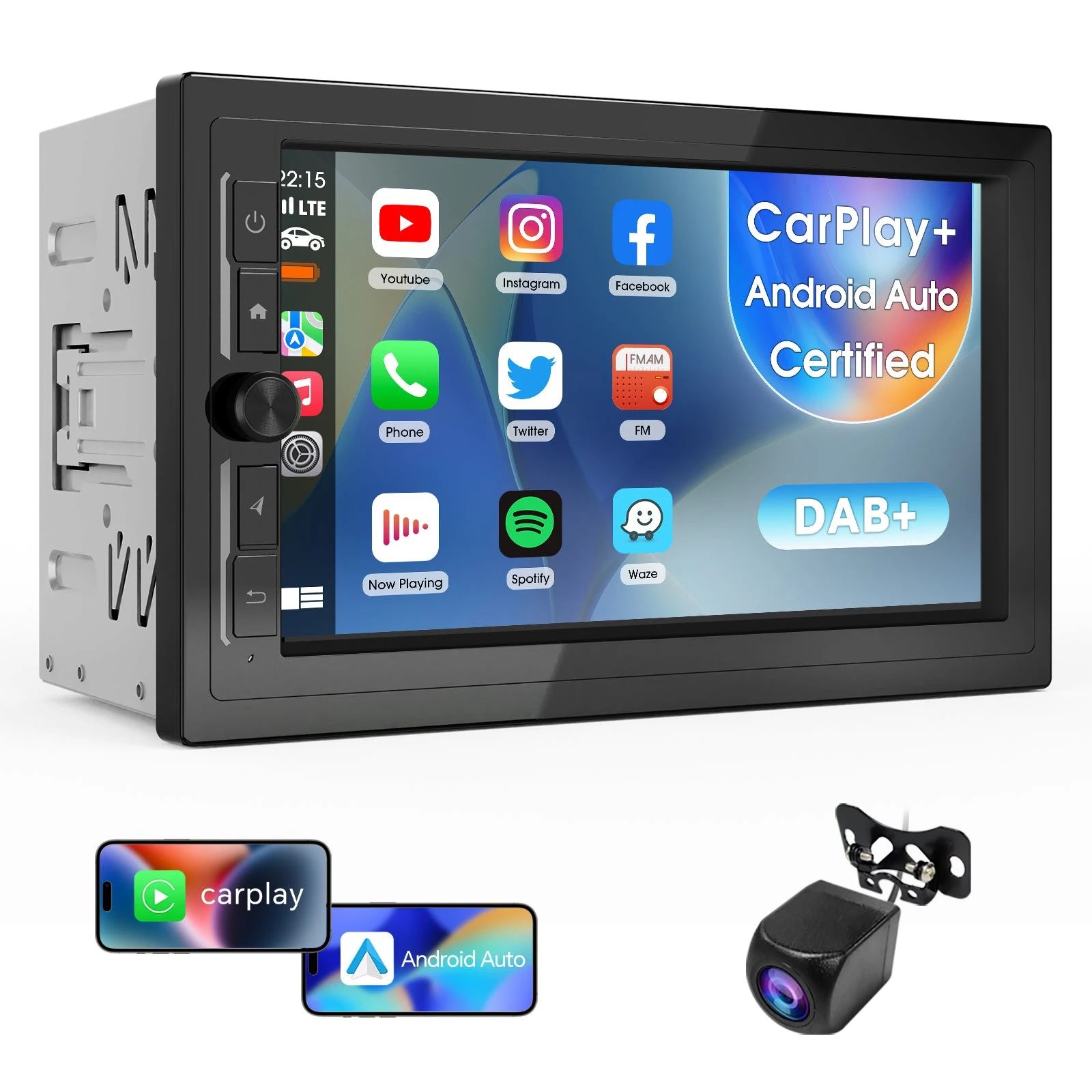
Record the year, make, model and trim, then identify the existing receiver and dash opening. A single-DIN or double-DIN label describes a receiver format; it does not prove that every stereo in that format fits every vehicle. The dashboard can require a vehicle-specific fascia or mounting kit, and nearby controls or trim may change what can be installed. Haudio’s D07B CVD7496-MD page says the receiver fits 99% of double-DIN vehicles, but that broad claim does not identify your car’s dashboard, wiring or trim. Use a fit guide for the exact vehicle or ask a qualified installer to verify it before buying.
Measure the full screen position
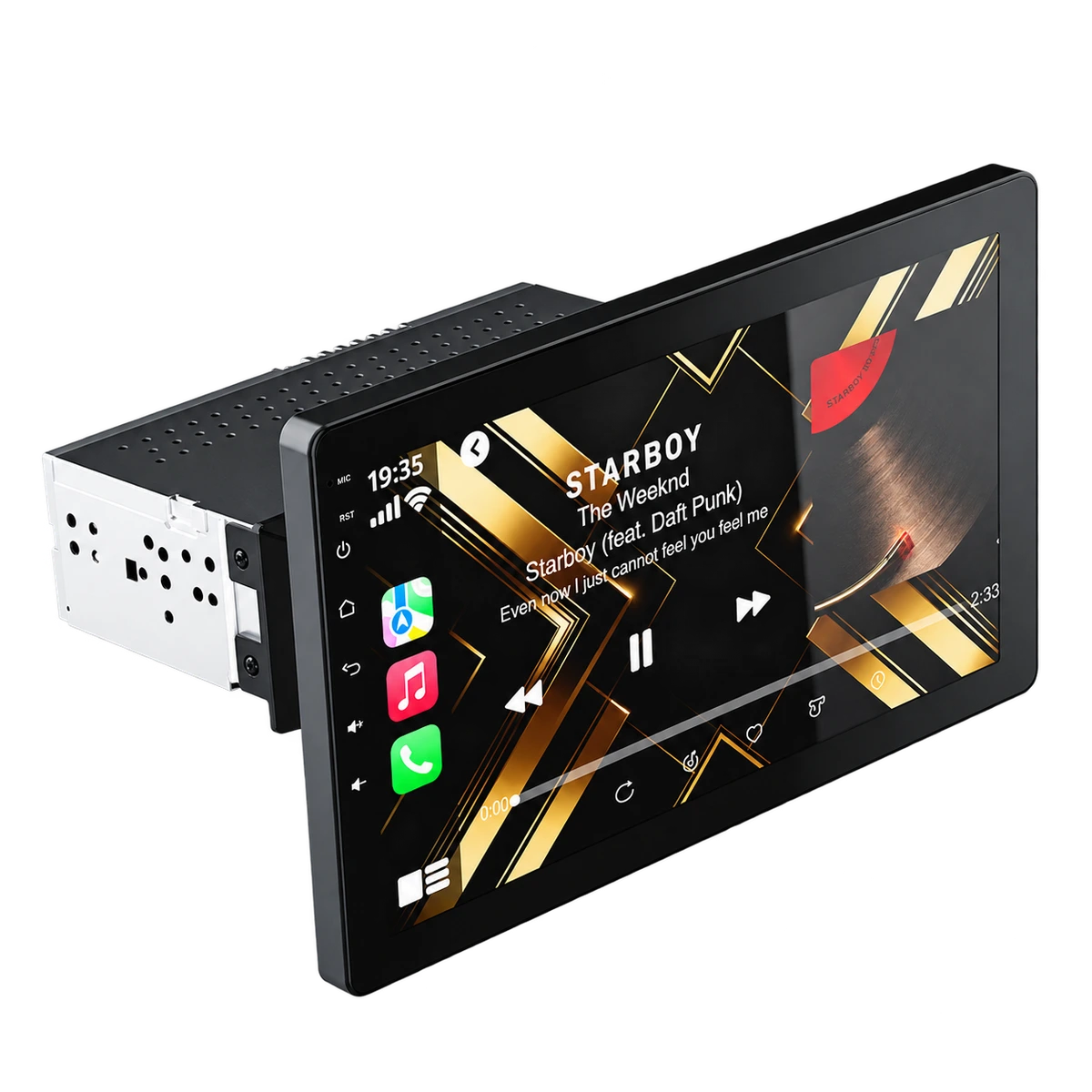
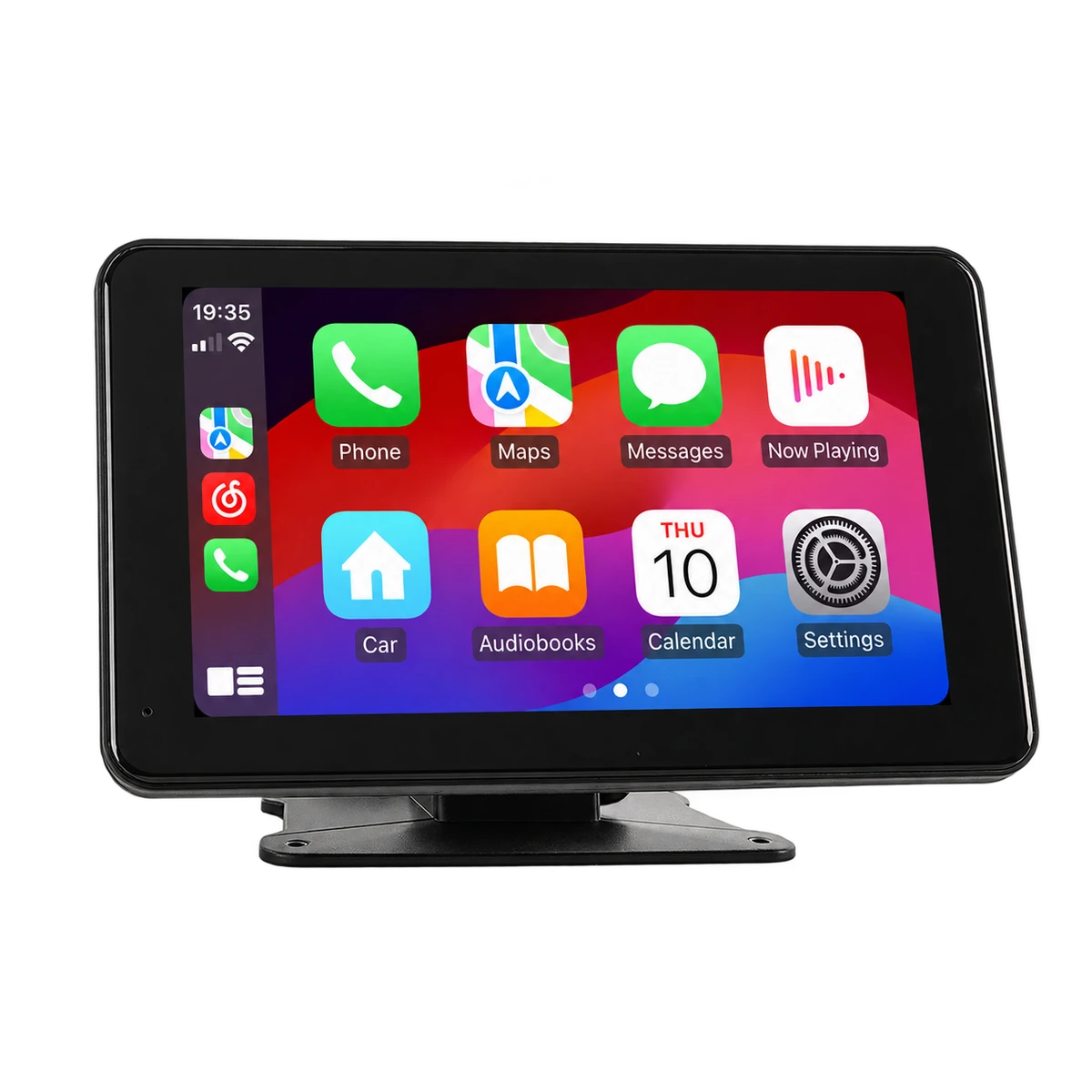
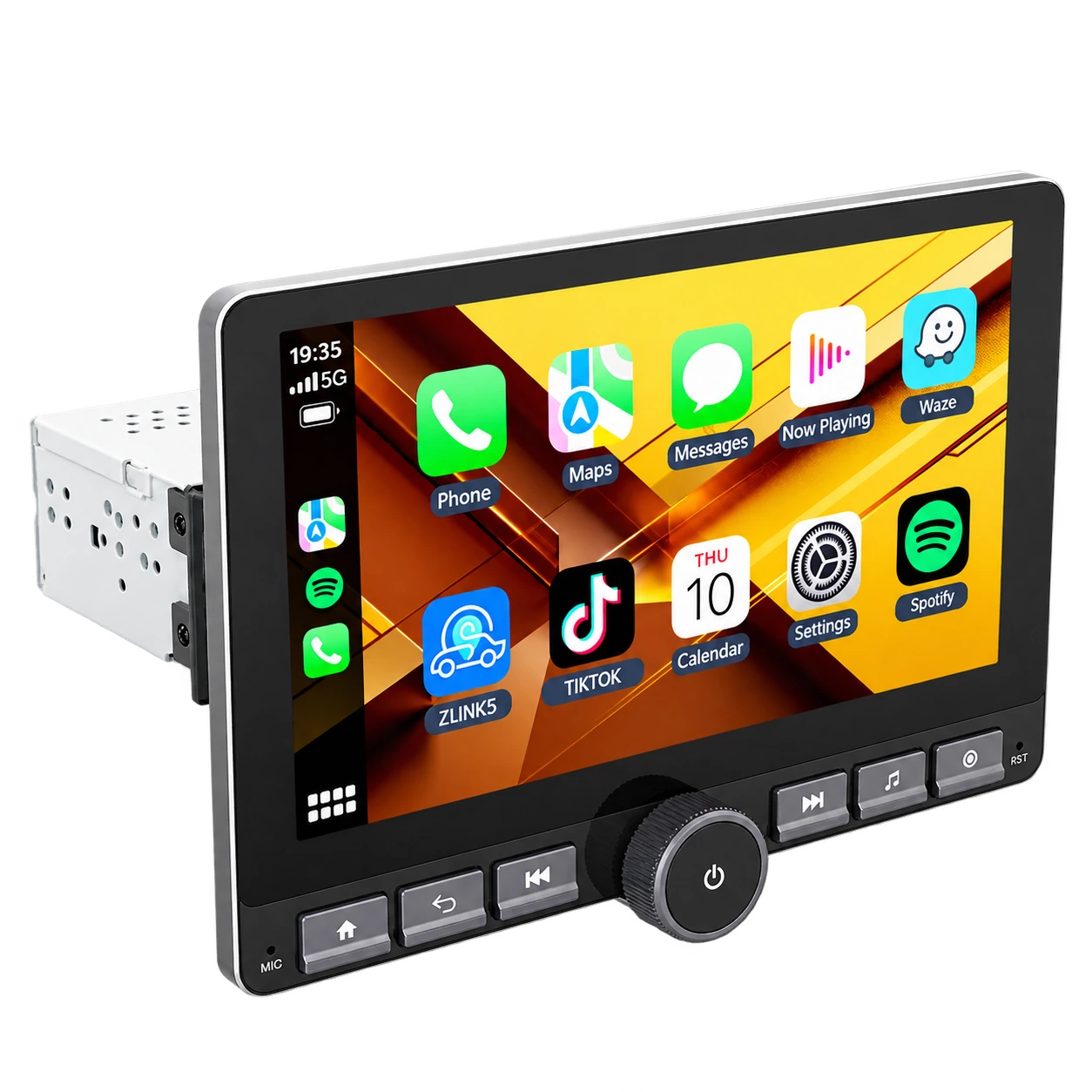
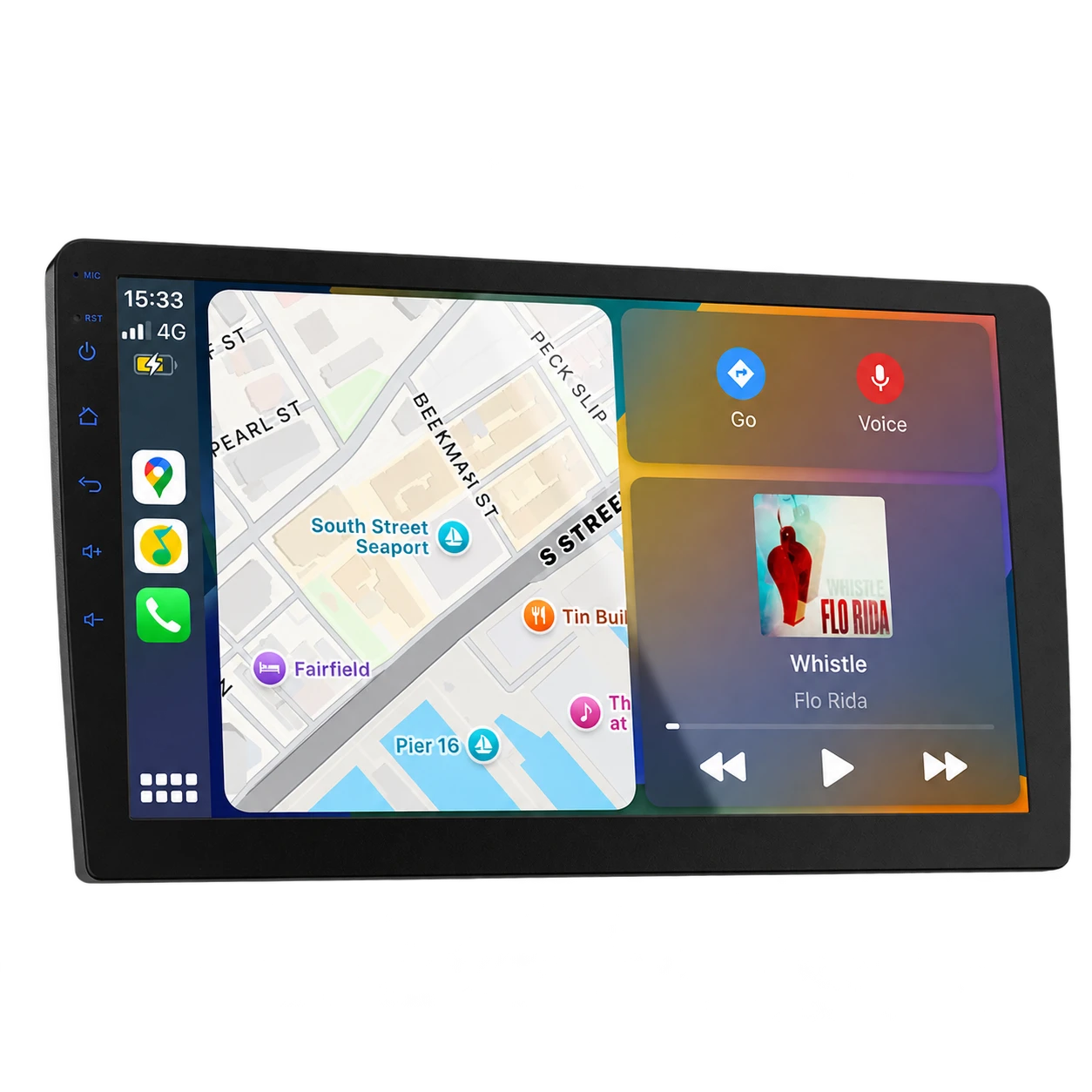
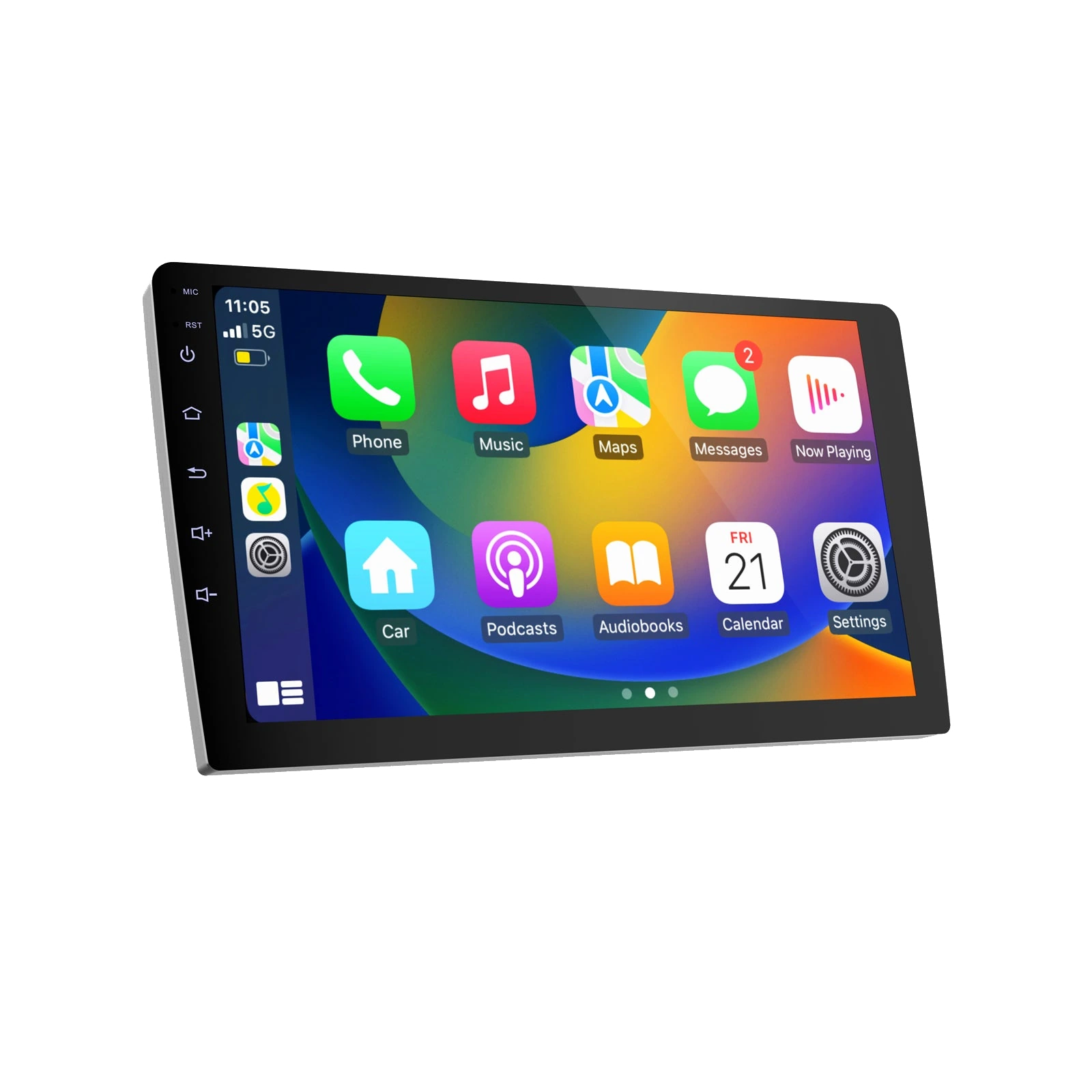
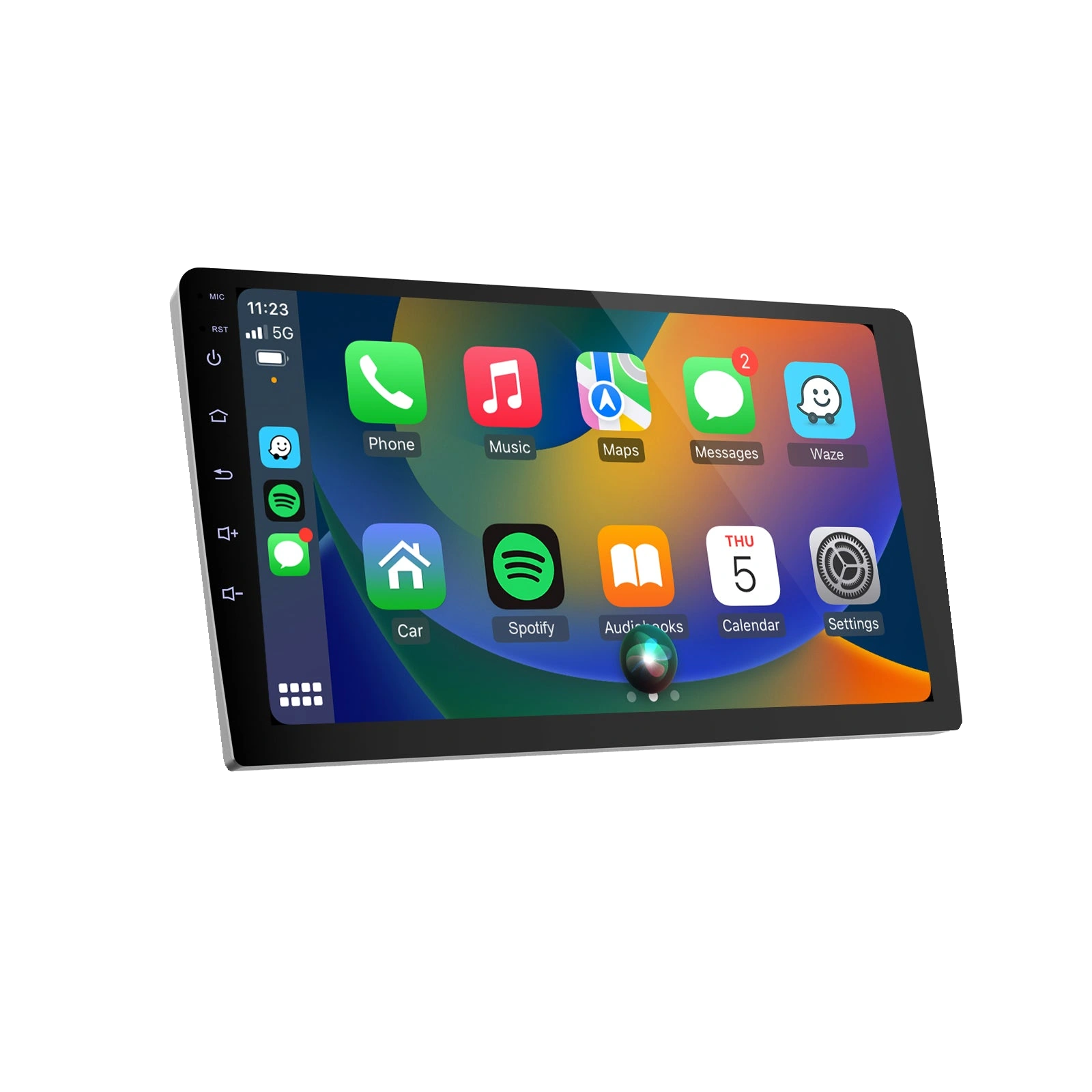
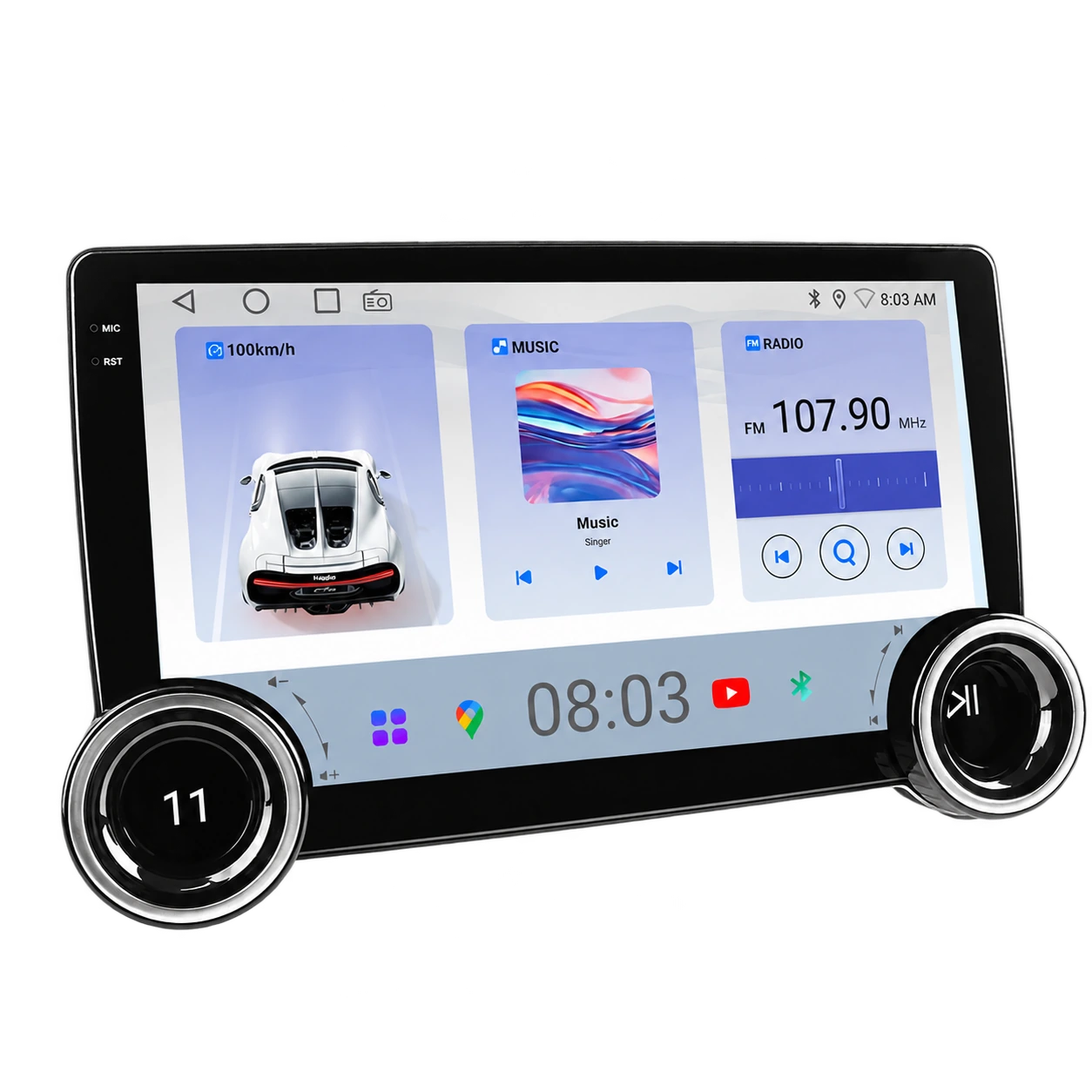
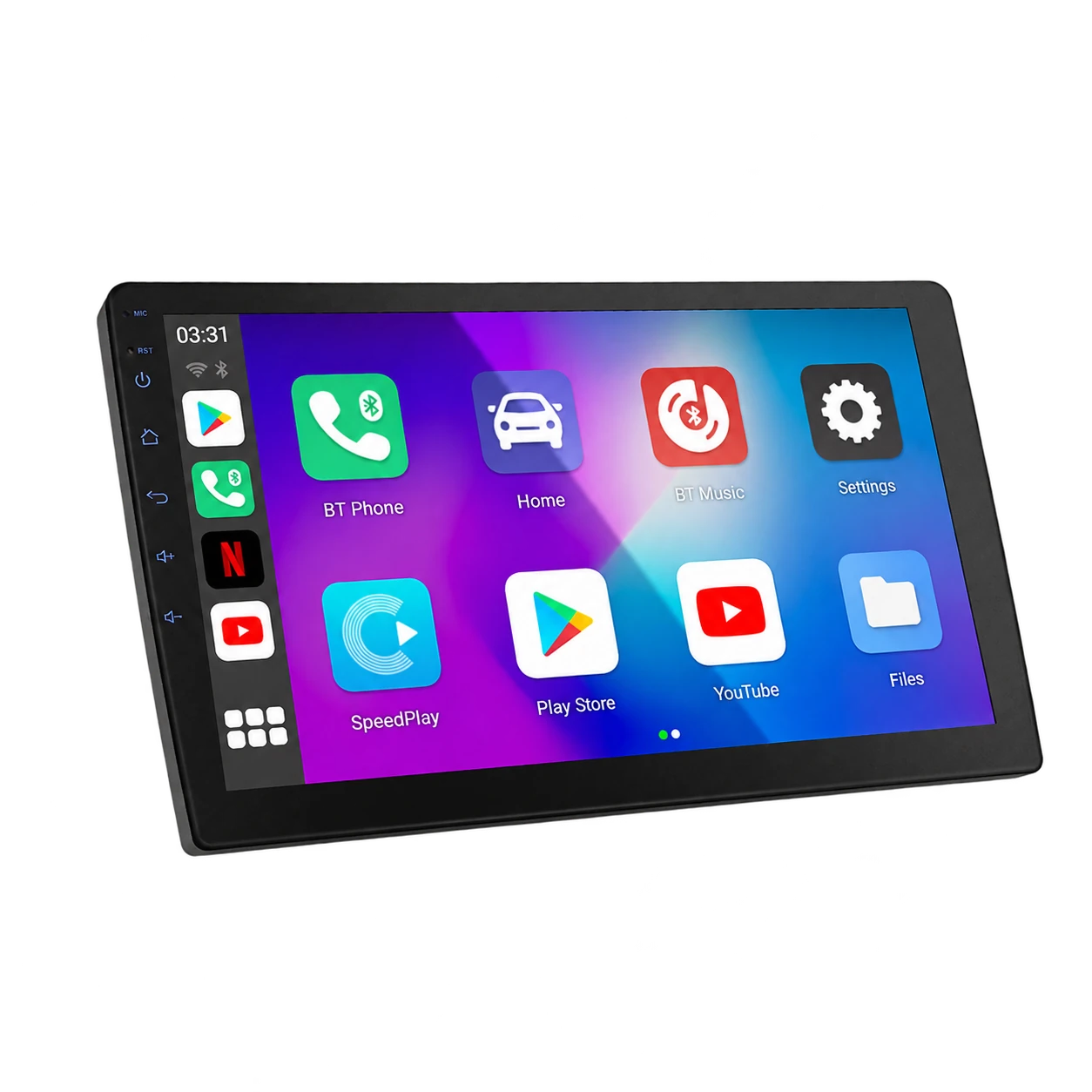
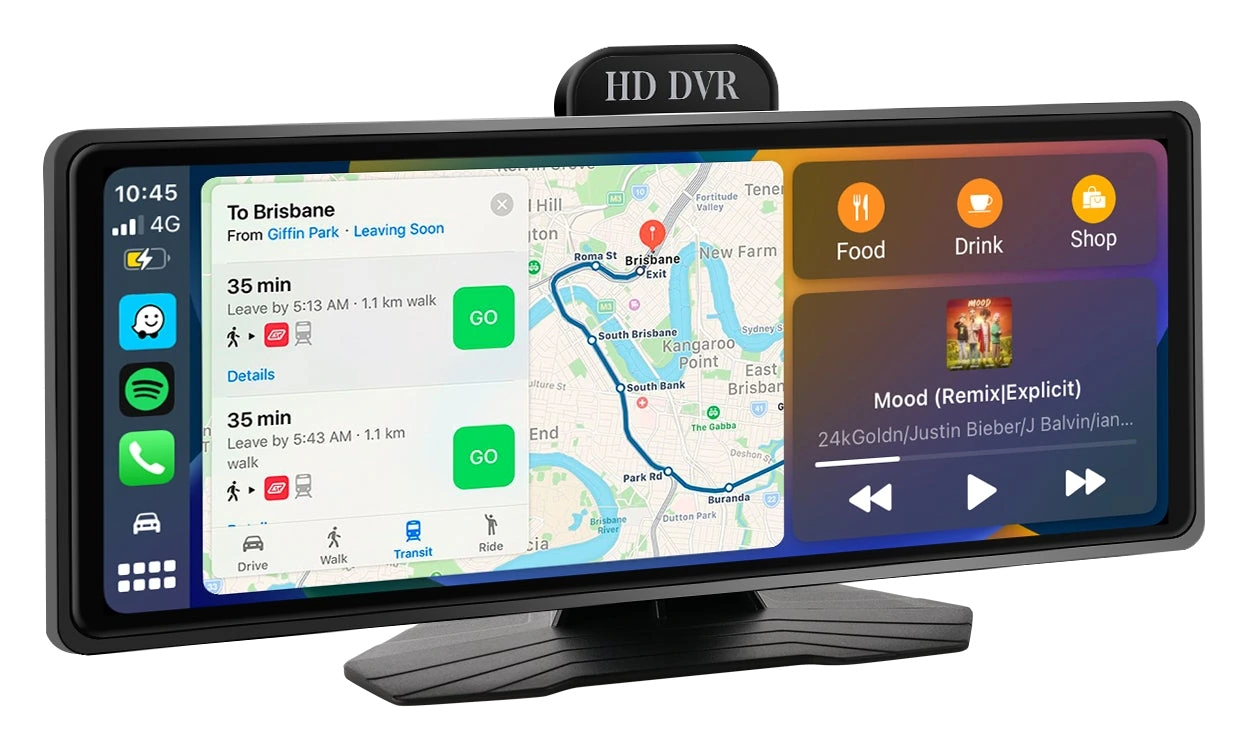
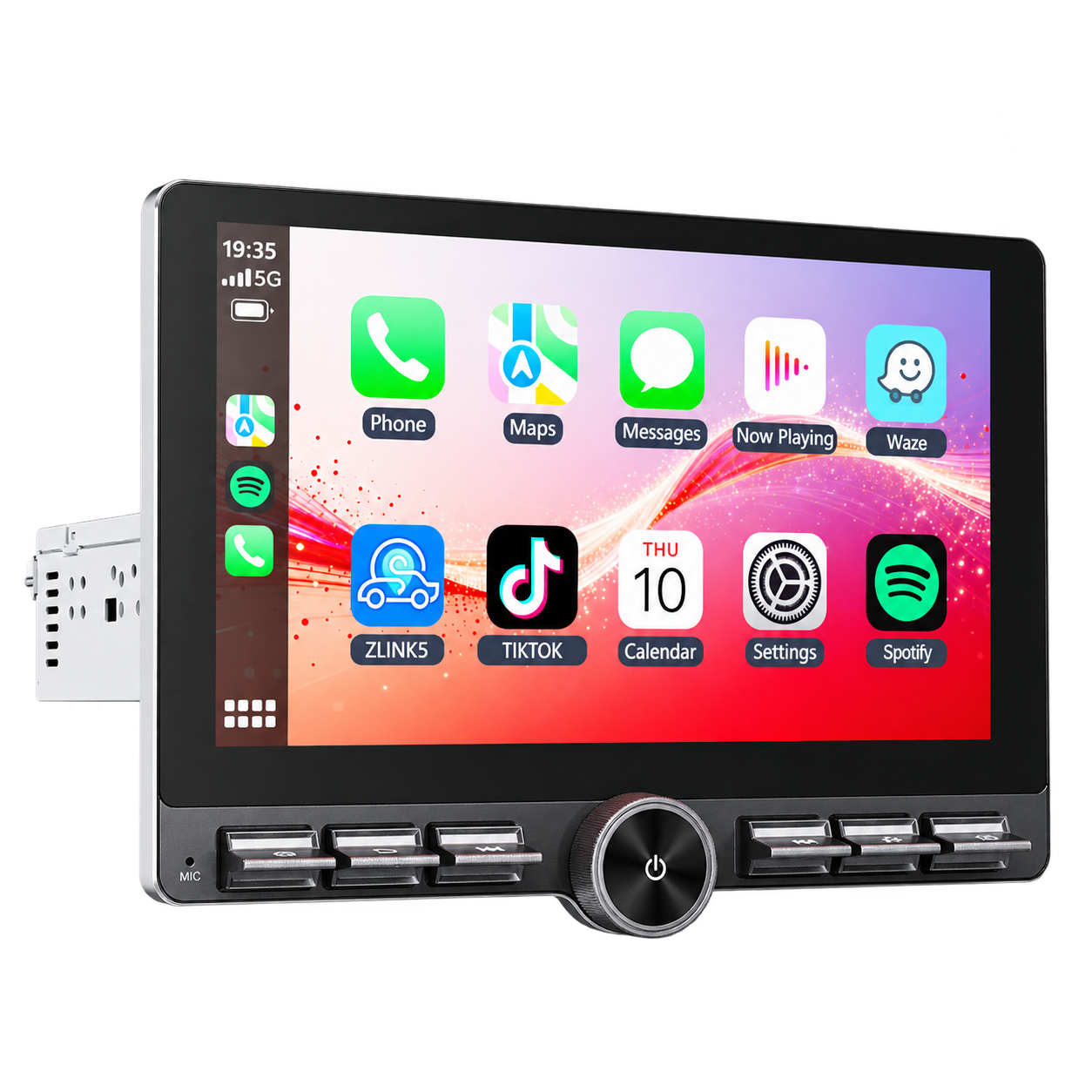
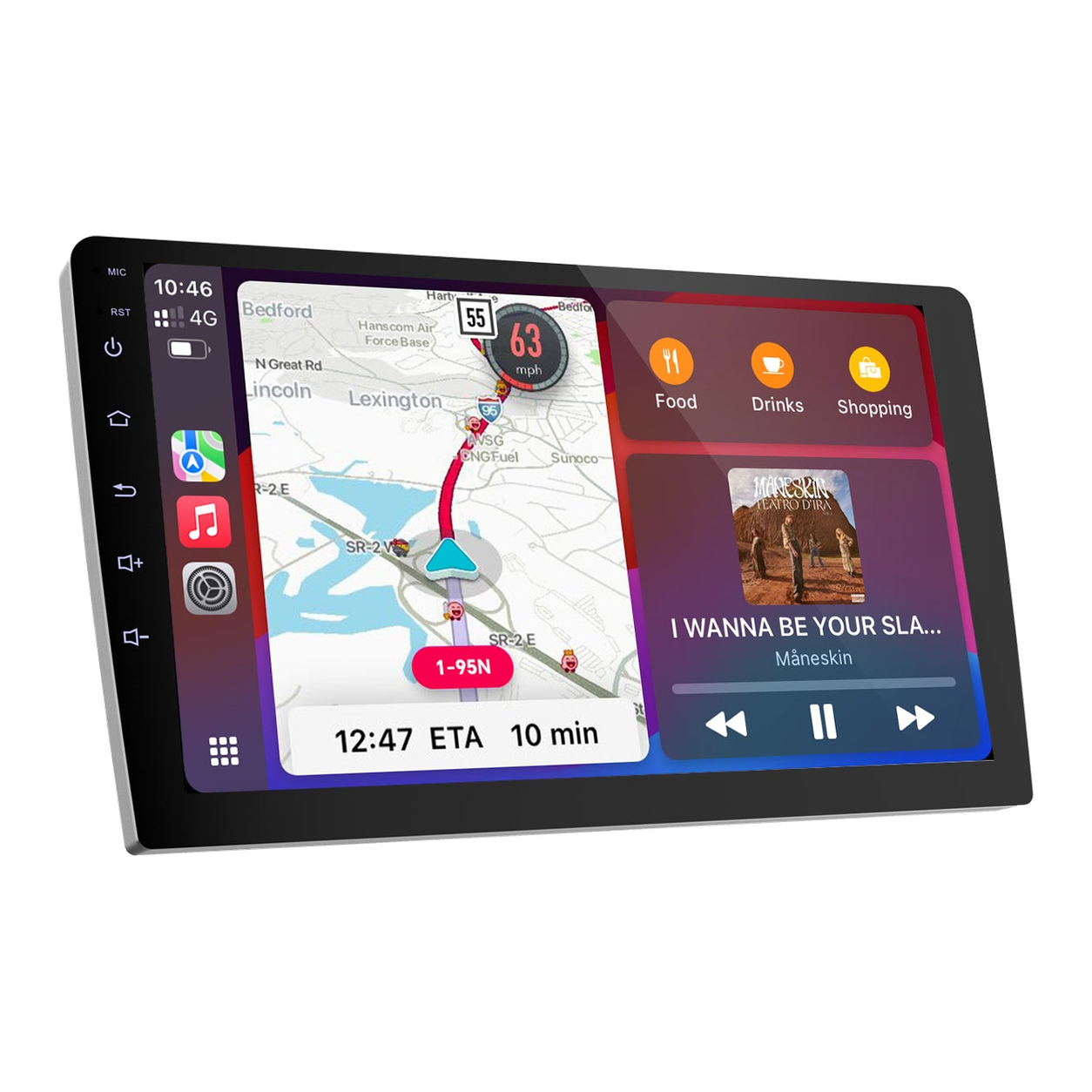
A receiver with a floating display needs more space than the opening behind it. Check how far the screen projects, whether it can rotate, and what it could cover in the position the installer proposes. Keep vents, switches, hazard controls and the driver’s view clear. Haudio describes its S10C CVS1520A-AJ as a single-DIN unit with a 10.1-inch rotating screen and the S10A CVS1541-AJ as a single-DIN stereo with a 10.1-inch display; those labels are a useful starting point, while final placement depends on the specific dashboard. Haudio’s C10G page calls it 10.1 inches in the title and feature list but 9 inches in a later description, while the series manual lists both sizes. Confirm the exact screen dimension before planning the dash. Haudio’s C09A CVD9661-AJ listing is dedicated to Honda Civic but does not provide a year-and-trim fit chart. The C10E’s shared 10-inch fit graphic gives a 252 × 146.5 mm opening and 190 mm body; Haudio’s US compatibility artwork also lists left-hand-drive Civic models from 2006–2011 and flags CANBUS, so confirm those references and the selected trim with the seller or installer. The C10D CVD1529-AJ page calls its display 10 inches, while the linked AJ-series manual spans 9-inch and 10.1-inch versions; the page gives no exact chassis dimensions for variant CB1529AJK0210, so confirm the panel and body measurements with Haudio. C09B CVD9943-ZA artwork labels the 9-inch display face 228.84 × 130 mm, but does not give the receiver chassis depth or vehicle-specific fit. A portable unit such as the P07B or the larger 9.3-inch P10A follows another path: check whether the supplied bracket has a suitable surface, keep the screen clear of the driver’s view, and plan the power and rear-camera cable routes. The P10A also places a front DVR at the display and lists a 64GB card in its package.
Choose the S10C or C10G by installation layout
The Haudio S10C CVS1520A-AJ uses a single-DIN receiver with a 10.1-inch floating display; the C10G CVD1943-ZA is a hardwired double-DIN stereo. Start with the receiver format and the exact vehicle, then consider where the screen can sit. The S10C needs measured clearance above and around the receiver. Haudio’s C10G product page currently identifies the display as 10.1 inches in its title and feature list but calls the same model 9 inches in a later section, so confirm the selected SKU’s actual panel size before planning the dash. Neither DIN label proves the fascia, depth, wiring or factory-control fit. The side-by-side S10C vs C10G comparison in Related reading summarizes this choice; have a qualified installer confirm the exact vehicle and required interfaces before ordering.
Confirm every electrical and factory connection
Ask which harness, antenna adapter and interface are needed for the vehicle. If the car has a factory amplifier, steering-wheel buttons, a backup camera or a CAN-bus interface, check each function separately. A stereo menu that offers steering-control learning or CAN settings does not establish that the car’s original equipment will work without the right interface and setup. Haudio’s S10A manual describes steering-wheel-key learning and CAN-bus configuration for compatible vehicles, calls out the factory-amplifier REM wire and recommends professional installation. The A07A manual shows a VW/Skoda/Seat CAN-bus profile example for a 2014–2019 Golf 7 with an amplifier; confirm the exact car and setup rather than applying the example universally. A portable display such as Haudio’s P07B or P10A also needs an audio path. The P07B manual lists its built-in speaker, FM transmission and AUX; the P10A listing adds Bluetooth audio and lists all four paths plus 2W output power. FM reception and AUX/Bluetooth support depend on the existing receiver and cabin setup.
Compare wired and wireless phone features on the exact model
Check whether the selected stereo supports wired or wireless Apple CarPlay and Android Auto, and confirm the connection your phone needs. Haudio advertises wireless CarPlay and Android Auto on the D07B CVD7496-MD product page, while its D07B manual specifies Android by USB and iPhone by Wi-Fi; verify the mode for your phone and exact variant. Ask where the USB leads and microphone can be placed. A GPS antenna, radio antenna and rear-camera input each have their own position and wiring requirements. Do not assume that a feature listed for one model or variant applies to another unit in the same product family.
Treat a camera as a second installation
An included rear camera still needs a suitable mounting position, a cable route to the receiver and the correct reverse signal connection. If you plan to keep a factory camera, verify its signal format and interface rather than assuming the new stereo can reuse it. The S10C manual says the factory camera may not be compatible and describes connecting the camera supplied with that model; the S10A and A07A manuals likewise caution that a factory unit may be incompatible. Ask the installer to confirm this before ordering if camera retention matters.
Get the complete installed cost
Compare the receiver, fascia, wiring harnesses, camera interfaces and professional labour as one setup. Ask which original functions will be retained and how the installer will verify the finished system. A lower stereo price can still be a good purchase, but it is not the full cost if the vehicle needs additional parts. For a model-specific example, see our Haudio S10C review and confirm the current selected-variant price and offer terms at checkout.
Check the S10B model details before installation
Haudio’s CVS1539-MD product record lists a 10.1-inch floating-screen S10B and includes vehicle-selector tags, but it does not provide a complete year, make, model and trim fit chart. Its manual’s accessory checklist lists a rear camera and reversing cable, then later labels the camera optional and not included. The manual also limits steering-wheel learning to voltage-input controls not managed through CANBUS. Confirm the exact vehicle, package, camera and factory-control plan with Haudio or an installer. Haudio’s S10B product-detail route returned 404 on October 24, 2026, while its manual and installation-video pages remained available.
Resolve the C09A CVD9661-RK F-150 manual mismatch
Haudio lists the C09A CVD9661-RK as a 9-inch double-DIN 2+64GB variant. Its linked F-150 manual cover instead says G09B for 2009–2011, the footer says CVD9661B-RK, and a steering-wheel setup profile says 2009–2012 F-150. The product selector names CVD9661-RK. Those references do not establish one exact model and year range. Confirm the selected SKU, year, trim, harness, factory amplifier and controls with Haudio or a qualified installer before ordering.
Keep building your know-how.
Explore relevant brands.
Compare the right equipment for the job, then check current offer details.
Your questions, answered.
Does single-DIN mean the stereo will fit my car?
No. The receiver format is one check. Confirm the exact dashboard, mounting depth, fascia, wiring and screen clearance for your vehicle.
Can I keep my factory steering-wheel controls?
Possibly, with compatible vehicle-specific wiring or an interface. Confirm the exact car and stereo rather than assuming the feature will carry over. Haudio’s A07A manual shows a CAN-bus setup example for a 2014–2019 Golf 7 with an amplifier, but the exact vehicle profile and equipment still need checking.
Can an aftermarket stereo reuse a factory backup camera?
Not always. Check the camera’s signal and wiring requirements with the receiver instructions or a qualified installer.
Sources & further reading.
Source information checked October 24, 2026. Product examples are identified by model; the recommendations and practical comparisons are CarRundown’s editorial analysis.
- Haudio: S10C CVS1520A-AJ product details and selected package
- Haudio: S10C CVS1520A-AJ installation and operating manual
- Haudio: S10A CVS1541-AJ product details and selected package
- Haudio: S10A CVS1541-AJ installation and operating manual
- Haudio: P07B PND7001-AD portable stereo and package details
- Haudio: P07B PND7001-AD operating manual
- Haudio: A07A 7-inch stereo product details and vehicle references
- Haudio: A07A CVD7495-AJ installation and operating manual
- Haudio: C10G CVD1943-ZA product details and package list
- Haudio: ZA-series car stereo manual
- Haudio: C09A CVD9661-AJ Honda Civic product details and package list
- Haudio: CVD9661-AJ Honda Civic manual
- Haudio: C09A CVD9661-RK product details and variant selector
- Haudio: F-150 CVD9661-RK installation manual
- Haudio: C10E CVD1661-AJ 2+64GB product details and package list
- Haudio: C10E CVD1661-AJ 2+64GB AJ-series manual
- Haudio: C10E shared 10-inch application and US compatibility artwork
- Haudio: C10D CVD1529-AJ product details and package list
- Haudio: AJ-series car stereo manual linked from the C10D page
- Haudio: C09B CVD9943-ZA 9-inch product details, package and fit references
- Haudio: P10A PND1001-AD 9.3-inch portable stereo product details and package
- Haudio: P10A PND1001-AD operating manual
- Haudio: C07B CVD7496-AJ product details and package list
- Haudio: C07B CVD7496-AJ 2+32GB instruction manual
- Haudio: D07B CVD7496-MD product details and variant
- Haudio: D07B CVD7496-MD instruction manual
- Haudio: S10B CVS1539-MD instruction manual
- Haudio: S10B CVS1539-MD installation video page